

How to Sell Merch for Your Small Business
By The Merch Counter team · Updated · 11 min read

If your customers have ever asked "do you sell shirts?", you already have demand for merch. Selling it comes down to six steps: get your logo print-ready, pick a few products, price them so each sale makes money, set up somewhere to sell them, tell people, and handle orders. You can do all of it with no inventory and no upfront cost by using print on demand, where each item is made only after a customer pays for it.
This guide covers each step, the three main ways to sell merch, and the mistakes that cost small businesses the most money.
Why local businesses should sell merch
Merch does four jobs, and only one of them is revenue.
It makes money. A t-shirt that costs about $12 to make (Printful lists its best-selling Bella+Canvas 3001 tee from $11.92) and sells for $30 earns you real margin on every sale, with nothing to restock. A handful of sales a week adds up to a meaningful line on your P&L, especially for a business whose main product is a $5 coffee or a $7 pint.
It advertises for you. Every customer wearing your shirt or carrying your tote bag is putting your name in front of people you'd never reach otherwise: at the gym, at the airport, at another coffee shop. Unlike an ad, the customer paid you to do it.
It builds loyalty. People buy merch from places they feel part of. Wearing a shirt from their local taproom or yoga studio says "I'm a regular here". That feeling brings people back, and it's the reason merch from a well-loved local business sells at all.
It gives your most loyal customers something to give. That one's easy to overlook. Gift-giving season is when a lot of local businesses sell the most merch, often to people buying for someone who loves the place.
The three ways to sell merch
Before getting into the steps, it helps to know your options. They differ mainly in how much money you put up front and how much work you take on.
| Bulk order, sell in person | Print on demand, your own shop | Online marketplace (e.g. Etsy) | |
|---|---|---|---|
| Upfront cost | Hundreds of dollars or more | $0 | Low (listing fees) |
| Minimum order | Usually 24–72 per design | None | None |
| Unsold stock risk | Yours | None | None (if using POD) |
| Cost per item | Lowest | Higher | Higher, plus marketplace fees |
| Packing and shipping | You | Done for you | Depends on setup |
| Your own branded store | No (counter only) | Yes | No (you're one shop among many) |
| Effort to set up | Ordering, storage, sizes | Minutes to hours | Hours, plus integrations |
Bulk ordering from a local screen printer or a company like Custom Ink gives you the lowest cost per shirt, but you pay for everything up front and you have to guess sizes and colors. Guess wrong and you have a box of unsold shirts in the back room. It works best when you know you'll sell a lot, for example staff uniforms or a big annual event.
Print on demand (POD) flips that. Nothing is made until a customer orders, so you never pay for stock and never run out of a size. Each item costs more to make than it would in bulk, but there's no risk, and the printing company packs and ships each order. This is the model The Merch Counter uses.
Marketplaces put your products where shoppers already are, but your shop sits next to thousands of others, you pay the marketplace's fees (on Etsy, a listing fee per item and a 6.5% transaction fee, before payment processing), and it's harder to send your own customers to something that feels like yours.
For most local businesses starting out, print on demand is the safest place to begin: you can find out what sells before putting any money in. (For a full side-by-side comparison with worked numbers, see Print on Demand vs. Bulk Ordering.)
Step 1: Get your logo print-ready
Everything starts with your artwork. A logo that looks fine on a website can print fuzzy on a shirt, because printing needs far more pixels than a screen does.
What you want:
- A high-resolution file. Aim for 300 DPI (dots per inch) at the size the design will print. For a design 10 inches wide, that's 3,000 pixels across. Our print partner, Printful, treats 150–300 DPI as ideal; below 150, prints turn soft.
- A transparent background. A PNG with no background prints just the logo. A JPEG with a white background prints a white box around it, which looks fine on a white shirt and wrong on every other color.
- A version for dark shirts. A dark logo vanishes on a black hoodie. Have a light or one-color version ready.
- Simple shapes. Very thin lines and tiny text get lost, especially in embroidery.
If you only have a logo from your website or social media profile, it's probably too small. Ask
whoever designed it for the original file (often an .ai, .eps, .svg or large .png).
On The Merch Counter, you can upload a PNG, JPEG, WebP or SVG up to 8MB, and we check whether it will print sharp before anything goes on sale.
More detail: How to Make Your Logo Print-Ready for Merch.
Step 2: Choose your first 3–5 products
The biggest early mistake is offering too much. Twenty products with your logo on them don't sell twenty times as much as three; they make the choice harder and the shop look unfocused.
A reliable starter set for almost any local business:
- A t-shirt. The default merch item. It's what people expect and what they'll actually buy.
- Something warm: a hoodie or crewneck sweatshirt. Higher price, higher earnings per sale.
- A hat. An embroidered cap looks premium and suits everyone, with no sizes to worry about.
- Something for your trade. A mug for a coffee shop, a tote for a bookstore, an apron for a bakery, a water bottle for a gym.
That's it. Add more once you see what sells. Your dashboard will show you which products people look at and which they buy.
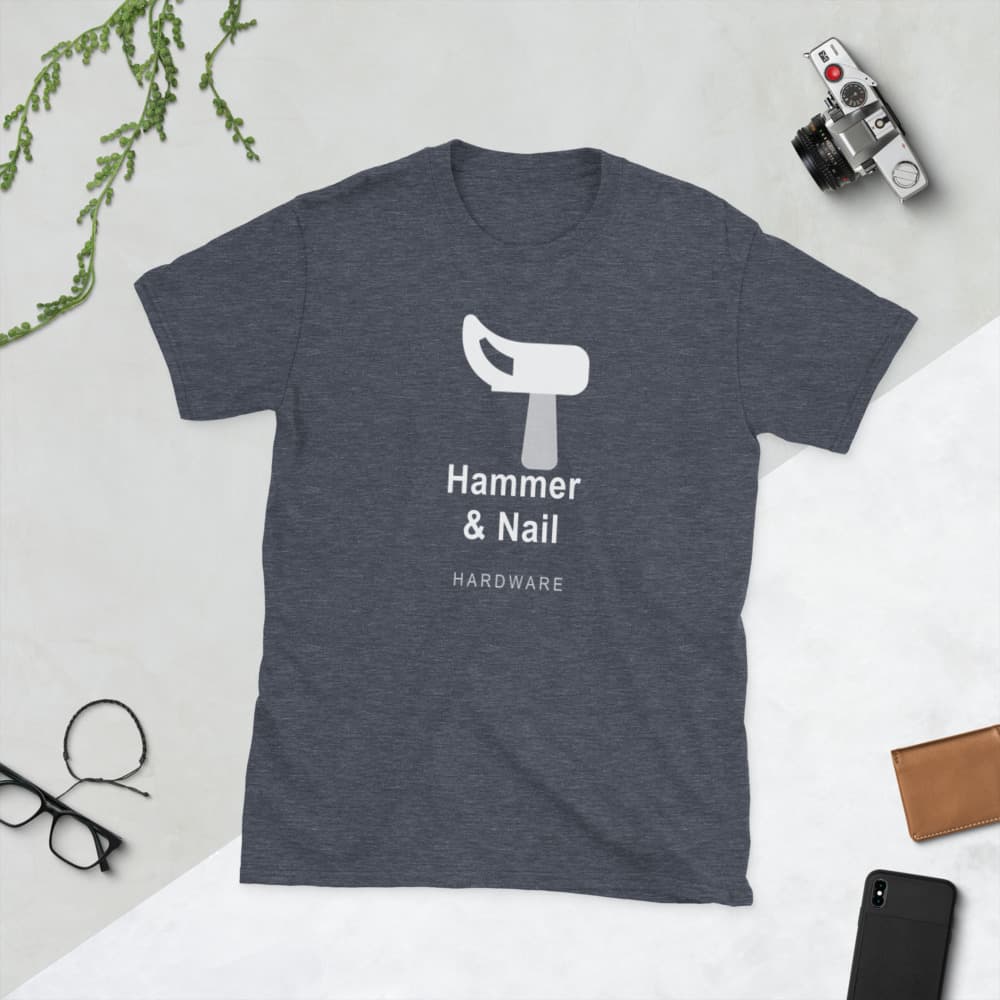
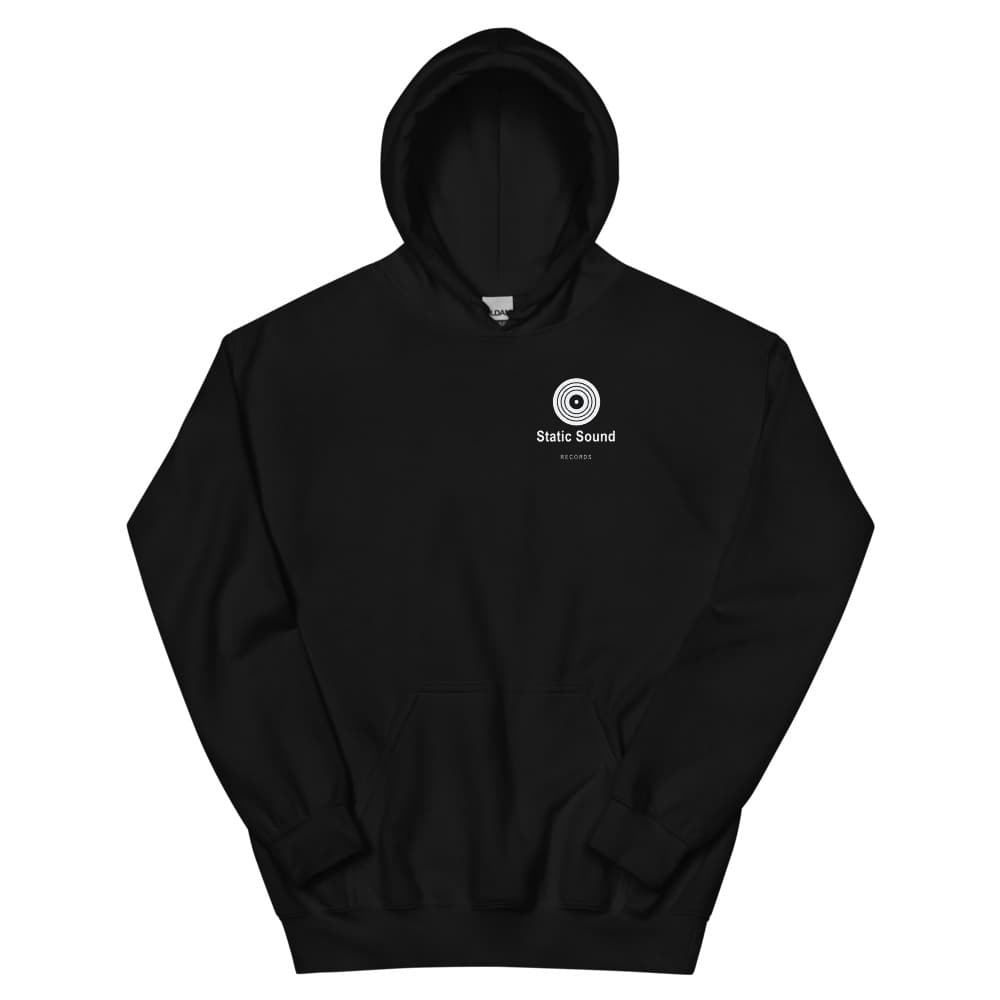
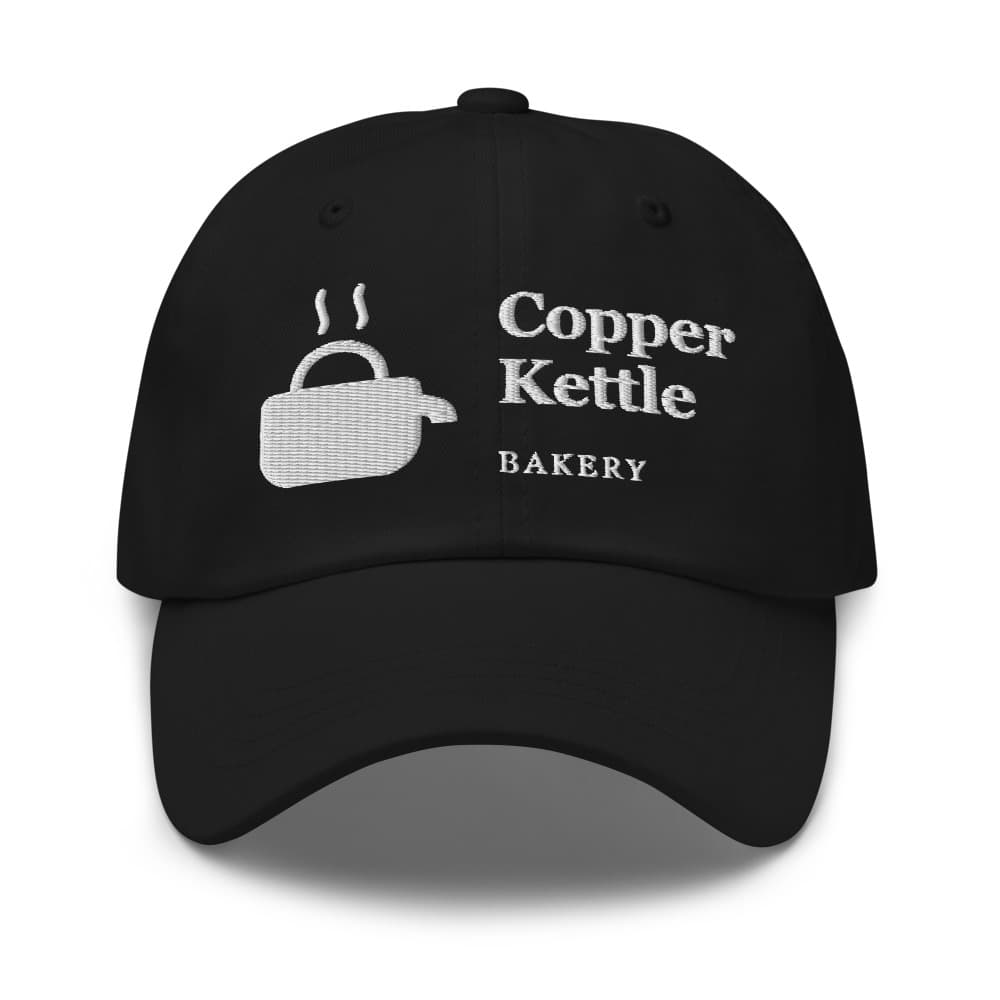
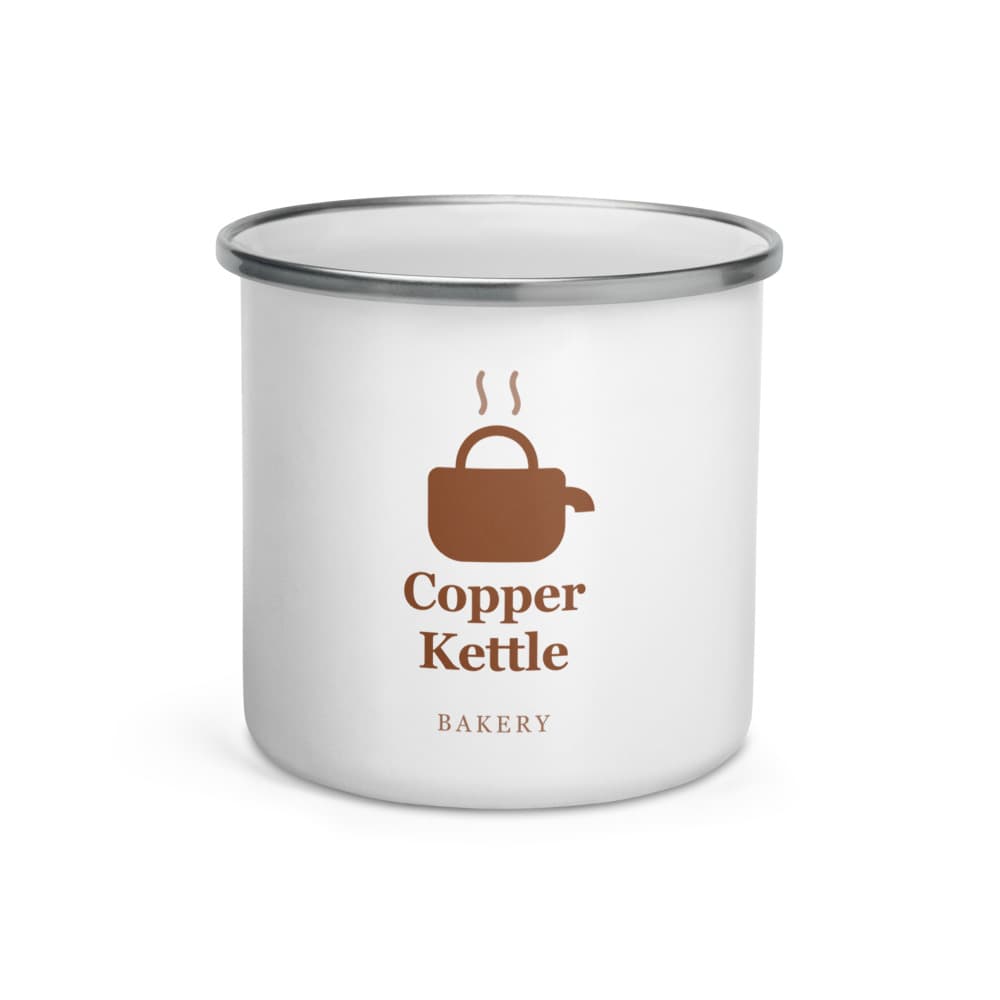
For ideas specific to your type of business, see Merch Ideas for Every Kind of Local Business.
Step 3: Price for profit
Pricing merch is simpler than it looks. Start with what the item costs to make, then make sure the price covers that cost, any fees, and leaves you a margin that's worth it.
We suggest pricing at about 2.5 times the cost of making the item, and that's The Merch Counter's default: after our 20% fee it leaves you 40% of every sale. For a t-shirt that costs $12 to make †, that gives a $30 price.
Here's what that sale looks like on The Merch Counter †:
| Amount | |
|---|---|
| Customer pays | $30.00 |
| Printing and blank | −$12.00 |
| Our fee (20%) | −$6.00 |
| You earn | $12.00 |
Three things to keep in mind:
- Bigger sizes cost more to make. A 3XL can cost a few dollars more than a medium. If you price everything the same, make sure the biggest size still earns you something. (Our dashboard shows your earnings for every size and warns you if a price would sell any size at a loss.)
- Look at the shelf next to you. What do other local businesses charge for a shirt? Customers compare. Pricing well above your neighbors needs a reason, such as a better design or a premium blank.
- Don't price too low. A $20 shirt that earns you $2 isn't worth the effort of selling. People who love your business will pay a fair price.
Full guide: Merch Pricing: How Much to Charge and What You'll Earn.
Step 4: Set up your shop
You need somewhere customers can buy. The options:
- Sell at your counter only. Fine for bulk stock, but you can only sell to people who come in.
- Build your own online store, for example with Shopify plus a print-on-demand app. Flexible, but it means a monthly subscription ($39 a month for Shopify's Basic plan, billed monthly), setting up a theme, connecting apps and managing it all.
- Use a merch platform built for this, which gives you a ready-made store connected to printing, shipping and payments.
On The Merch Counter, setup takes about 15 minutes:
- Upload your logo. We check it will print well.
- Pick your products. You see your logo on real product photos right away.
- Set your prices. Start from our suggestion and see exactly what you earn on each item and size.
- Publish. Connect your bank through Stripe, and your shop goes live at
yourname.themerchcounter.com, in your colors, plus a listing on our marketplace.
It's free to open: no setup fee, no subscription, no card on file. We take 20% of each sale, and that covers the storefront, checkout, payment processing, customer support and the marketplace listing.
Step 5: Tell your customers
This is the step most businesses skip, and it's the one that decides whether merch sells. A shop nobody hears about makes nothing.
The good news: you already have an audience. Your customers walk through your door every day and follow you on social media. You just have to tell them.
The essentials:
- A QR code at the counter. Customers who are standing in your shop and like it are your best prospects. A small card by the register ("Love us? Wear us. Scan for merch") does a lot of work. On The Merch Counter, Share in your dashboard prints one for you, in your shop's colors.
- Your Instagram bio and a launch post. Put the link in your bio and post photos of the products.
- Your staff. Staff wearing the merch is the best advertising you can get, and it's free.
- Your email list or text club, if you have one.
- Your Google Business Profile. Add your shop link so people searching for you can find it.
Full guide: How to Market Your Merch In-Store and Online.
Step 6: Handle orders, returns and questions
With bulk stock, every order is work: find the size, pack it, ship it, handle the "where's my order?" email. With print on demand, most of that is handled for you.
On The Merch Counter, after a customer orders:
- The item is printed by our print partner, Printful, usually within 2–5 business days.
- It ships from facilities across the US and typically arrives 3–6 days after printing.
- The customer gets an order confirmation and a tracking link by email, sent in your shop's name.
- Your share lands in your bank automatically through Stripe.
Returns. If an item arrives misprinted, damaged or wrong, we reprint it or refund the customer within 30 days of delivery, at our cost. For wrong sizes or change of mind, you choose your policy: final sale, or returns within 14, 30 or 60 days. You approve each request, and approved refunds come out of that sale's earnings.
That leaves you with the part that matters: deciding what to sell and telling people about it.
Common mistakes to avoid
Ordering too much stock. If you do go the bulk route, order less than you think. Running out and reordering is a better problem than a box of XLs nobody wanted.
Offering too many products. Three good products sell better than fifteen average ones.
Pricing too low. Customers who love your business will pay a fair price. Leave yourself enough margin to make it worthwhile.
Using artwork you don't own. Sports team logos, cartoon characters and brand names can get your shop taken down and your business in legal trouble. Use your own logo and original designs. (See what you can and can’t put on merch)
Launching and never mentioning it again. One Instagram post isn't a launch. Keep the QR code at the counter, have staff wear it, and post again when you add something new.
Skipping a sample. Order one of each product before you launch so you know exactly what customers will get. On The Merch Counter, you can order a test of each product at cost, with no fee and no markup.
Frequently asked questions
How much does it cost to start selling merch?
With print on demand, nothing up front. You pay per item only when a customer buys. With bulk ordering, expect to spend hundreds of dollars before you sell anything. See How Much Does It Cost to Start a Merch Line?.
What merch sells best for small businesses?
T-shirts, hoodies and hats are reliable for almost everyone. Beyond that, pick products that suit your trade: mugs for coffee shops, totes for bookstores, water bottles for gyms.
Do I need a website to sell merch?
No. On The Merch Counter you get your own shop page at yourname.themerchcounter.com, which you can
share on social media, link from an existing website, or put on a QR code.
How long does it take customers to get their order?
On The Merch Counter, printing usually takes 2–5 business days and US delivery another 3–6 days. Tell customers this up front, especially around the holidays.
Do I have to handle shipping or returns?
Not shipping: each order is printed and shipped for you. For returns, misprints and damage are handled at our cost; for fit or change-of-mind returns, you set the policy and approve each request.
† Worked examples. They use our real 20% fee and suggested 2.5× price on an illustrative cost to make; real costs vary by product, size and print. Bulk-order figures are illustrative too. Today’s numbers for every product are in the profit calculator and in your dashboard before you list anything.